Install and set up the MonoCloud JavaScript SDK
Install and configure the MonoCloud JavaScript SDK to authenticate users in a vanilla JavaScript single-page application.
This guide shows how to install the MonoCloud JavaScript SDK and connect a vanilla JavaScript single-page application with MonoCloud authentication.
By the end of this guide, you will have:
- A MonoCloud Single Page App configured in the Dashboard
- The SDK installed in your project
- Authentication enabled across your application
Sign up and configure MonoCloud
If you already have a MonoCloud account and Single Page App, skip ahead to Install the MonoCloud JavaScript SDK.
Create a MonoCloud account
If you don’t have an account yet, sign up at: https://www.monocloud.com
Create a Single Page App
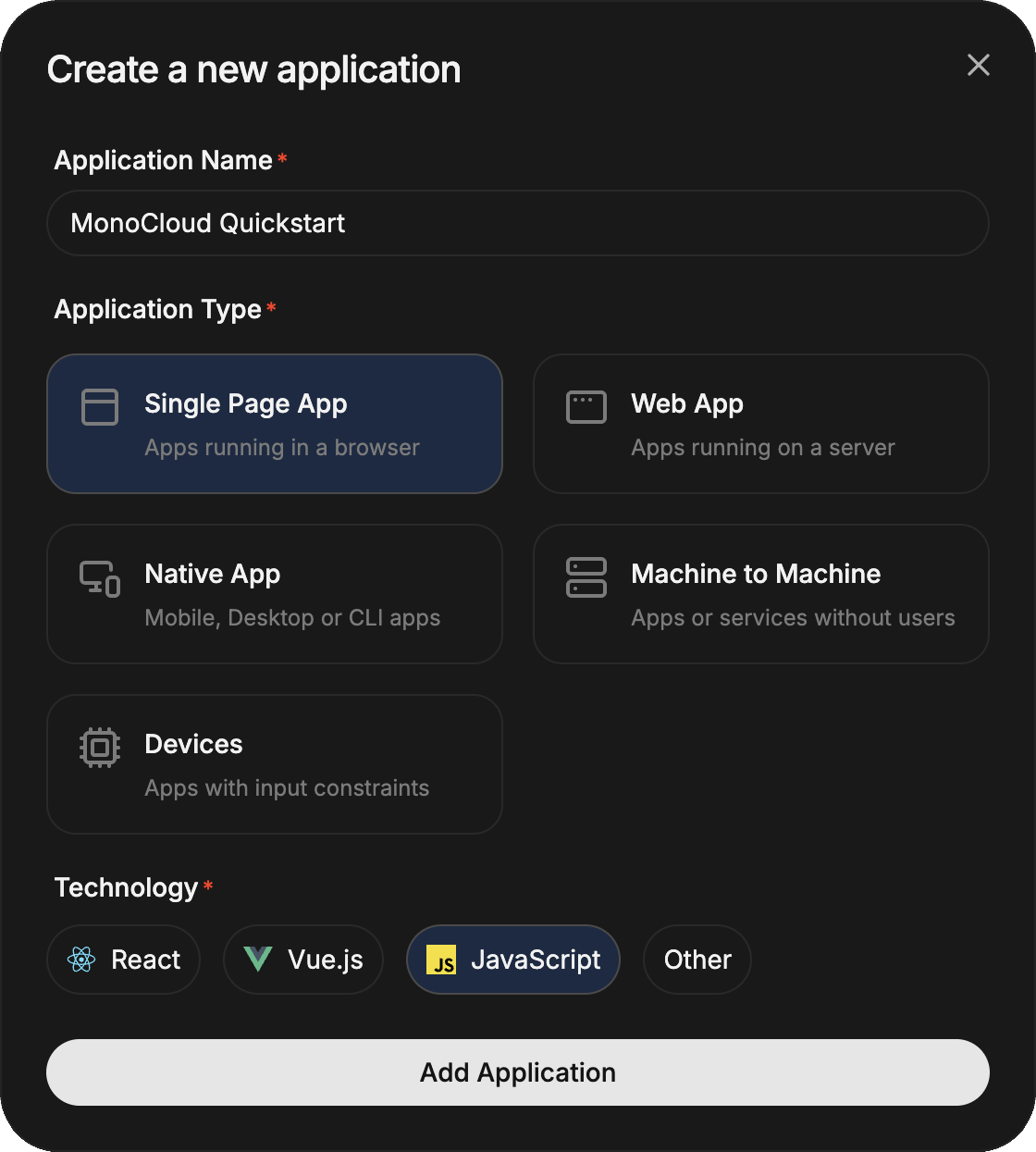
In the MonoCloud Dashboard:
- Click Add Application
- Select Single Page App
- Choose JavaScript
- Create the application
Each Single Page App represents a single browser-based app secured by MonoCloud.
Configuring your Single Page App
Open your application and configure the following URLs.
Redirect URLs
These URLs tell MonoCloud where to redirect users after authentication events.
For local development with the Vite default port, configure:
- Callback URLs:
http://localhost:5173 - Sign-out URLs:
http://localhost:5173
Cross-Origin URLs
A single-page app calls MonoCloud's endpoints directly from the browser, so the origin your app is served from must be allowed:
- Cross-Origin URLs:
http://localhost:5173
Replace these with your production URLs before deployment.
Create a Vite + TypeScript project
If you already have a project, skip this step.
npm create vite@latest <your-app-name> -- --template vanilla-ts
cd <your-app-name>
Node.js 18 or later is recommended.
Install the MonoCloud JavaScript SDK
Install the SDK using your package manager:
npm install @monocloud/auth-web-jsInitialize the client
Create a single shared MonoCloudWebJSClient instance and export it. The same instance is reused everywhere you need to read the session, sign users in, or get tokens.
import {
  MonoCloudWebJSClient,
  type MonoCloudWebJSClientOptions,
} from "@monocloud/auth-web-js";

const options: MonoCloudWebJSClientOptions = {
  tenantDomain: "https://<your-domain>",
  clientId: "<your-client-id>"
};

export const client = new MonoCloudWebJSClient(options);
Configuration reference
| Option | Required | Description |
|---|---|---|
tenantDomain | Yes | MonoCloud tenant domain from Application Information in the Dashboard |
clientId | Yes | Client ID from Application Information in the Dashboard |
Process callbacks on page load
The SDK needs to complete sign-in and sign-out flows before your UI renders. Call processCallback() once on startup - it inspects the current URL and completes whichever flow is pending:
import { client } from "./auth";

await client.processCallback();
For full details on routing, return URLs, and integrating with a client-side router, see Handle sign-in and sign-out callbacks.
Next steps
Wire up the rest of the integration: