Passwordless
Frictionless Sign-in for
the Modern Web
Modernize your login flow by replacing traditional passwords with Passkeys, Magic Links,
and OTPs, ensuring a seamless journey.
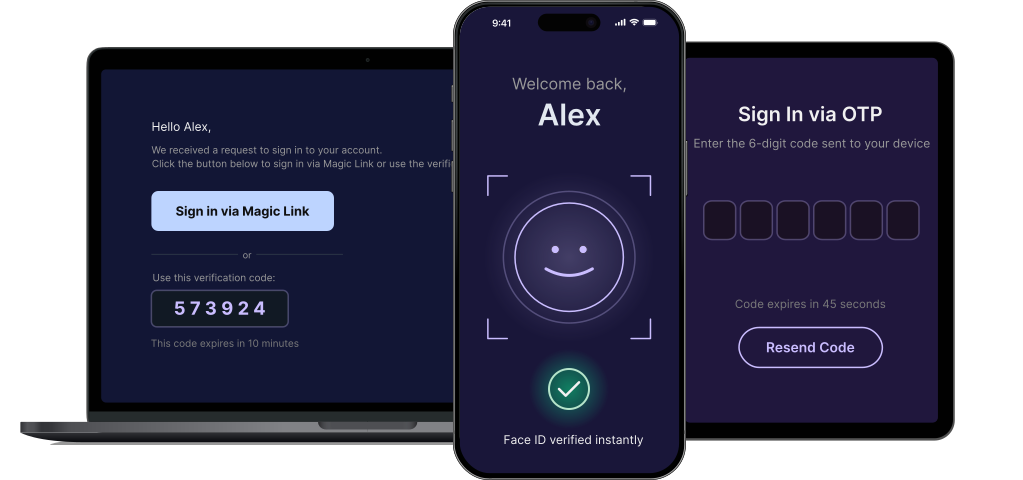
Flexible Sign-In
Flexible Sign-In Methods
Secure your application with a suite of next-generation authentication methods designed for the modern web.
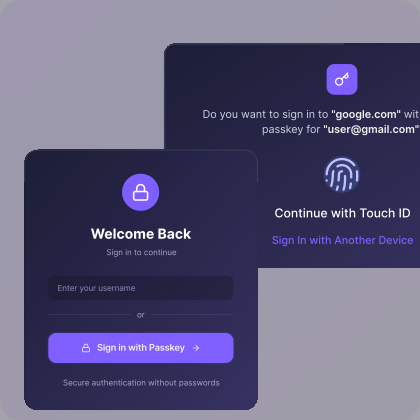
Passkey Sign-in
Users authenticate instantly using the biometrics they already use to unlock their devices.
- Instant biometric sign-in experience.
- No secrets to ever remember.
- Impossible to phish or steal.
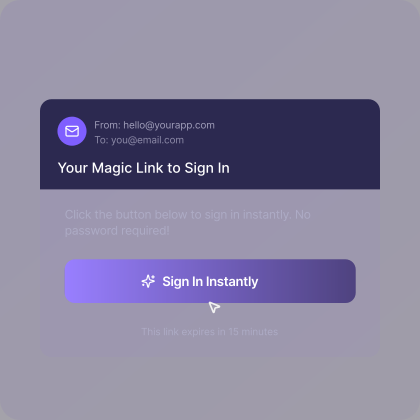
One-Click Magic Links
The ultimate zero-friction experience. Users receive a secure link via email and are logged in with a single tap.
- Single click for instant access.
- Zero friction, higher conversion rates.
- Seamless email-based user workflow.
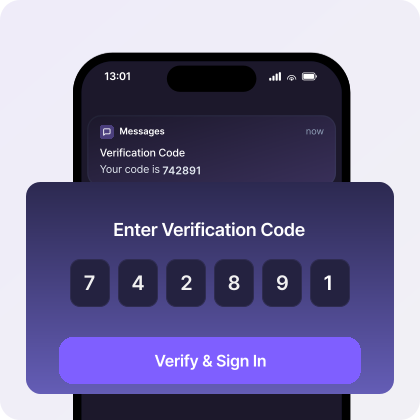
Email & SMS OTPs
Deliver secure, short-lived verification codes directly to a user’s mobile device or email address.
- Universally understood by all users.
- Works on every mobile device.
- Verifies contact information ownership.
Credential Lifecycle
Management
Progressive Passkey Enrollment
Smoothly migrate legacy users and bootstrap new devices to build a resilient multi-device identity graph.
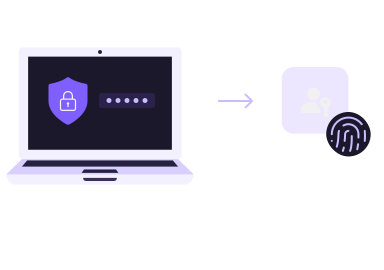
Upgrade to Passkeys
Enroll existing users with password or other authentication
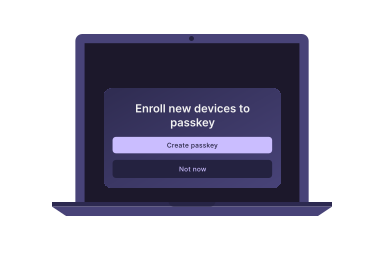
Enroll New Devices
Set Up Passkey on New Device
Zero-Friction Access
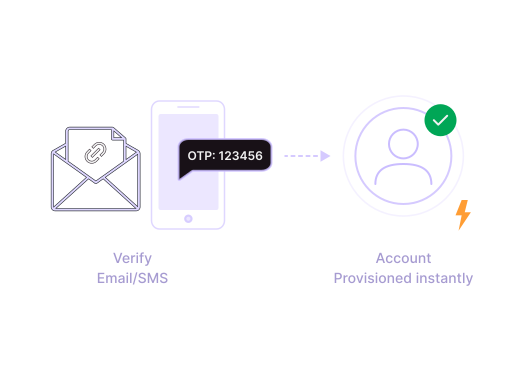
JIT Provisioning
Bypass explicit registration flows by creating user identities during the first authentication event.
Automatically provision new accounts the moment a user verifies their credential, merging the signup and login logic into a single, seamless handshake.
Passwordless, answered
FAQs, answered
Everything teams ask before turning passwords off. Straight answers, no ceremony.
What does passwordless authentication mean?
Passwordless authentication verifies a user without a shared secret they have to remember. Instead of a password, the user proves identity with a passkey on their device, a link sent to their inbox, or a one-time code.
Which passwordless methods does MonoCloud support?
MonoCloud supports passkeys built on WebAuthn, magic links sent by email, and one-time passcodes delivered over email or SMS. Each method can be enabled independently per application.
Are passkeys more secure than passwords?
Yes. Passkeys are bound to the origin they were created for and never leave the user’s device in a reusable form, so they cannot be phished, reused across sites, or leaked in a database breach.
Can I keep passwords enabled while I migrate?
Yes. Passwords and passwordless methods can run side by side. Progressive enrollment prompts existing users to add a passkey after a successful sign-in, so you can move traffic over gradually.
What happens if a user loses their device?
Passkeys synced through a platform provider are restored when the user signs in to a new device. For unsynced credentials, users can fall back to a magic link or one-time code and register a new passkey.
Does passwordless work on every browser?
Passkeys are supported by current versions of Chrome, Safari, Edge, and Firefox across desktop and mobile. Magic links and one-time codes work everywhere, and MonoCloud falls back automatically when passkeys are unavailable.
Go Passwordless with a Toggle
Transform your entire login experience from legacy passwords to secure passkeys with a single toggle.